Choose its main job
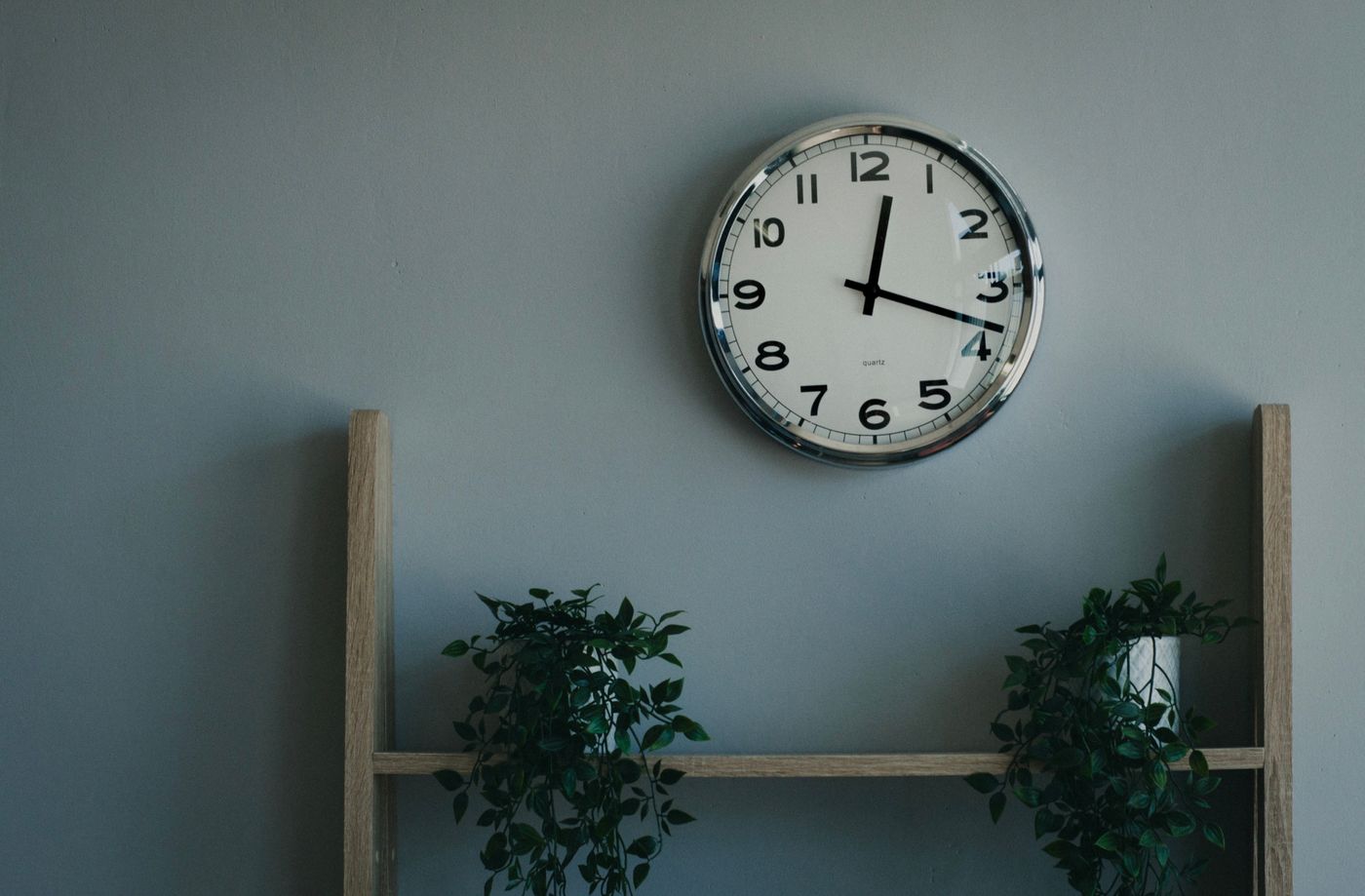
Decide whether the clock is primarily for checking the time at your desk or for filling an empty wall behind you. These positions may not coincide. A clock behind your chair will appear on camera but require you to turn around to read it. If it is your main work clock, give that everyday function priority. Check the view from the desk, including any obstruction from monitors or shelves. A small secondary time display may be useful if the decorative wall clock is deliberately placed elsewhere, but there is no need to add one simply for symmetry.
Check the actual camera image
Open a camera preview with your normal lighting and seating position. Look at how much of the clock remains in frame and whether the rim appears to touch the top of your head. Reflections from a window or desk lamp may be more noticeable on camera than in person. Move the proposed paper outline before drilling any holes. Remember that your own preview may be mirrored while other participants see a different orientation. Do not rearrange the clock's numerals or hands to compensate for software behaviour.
Keep the background useful and calm
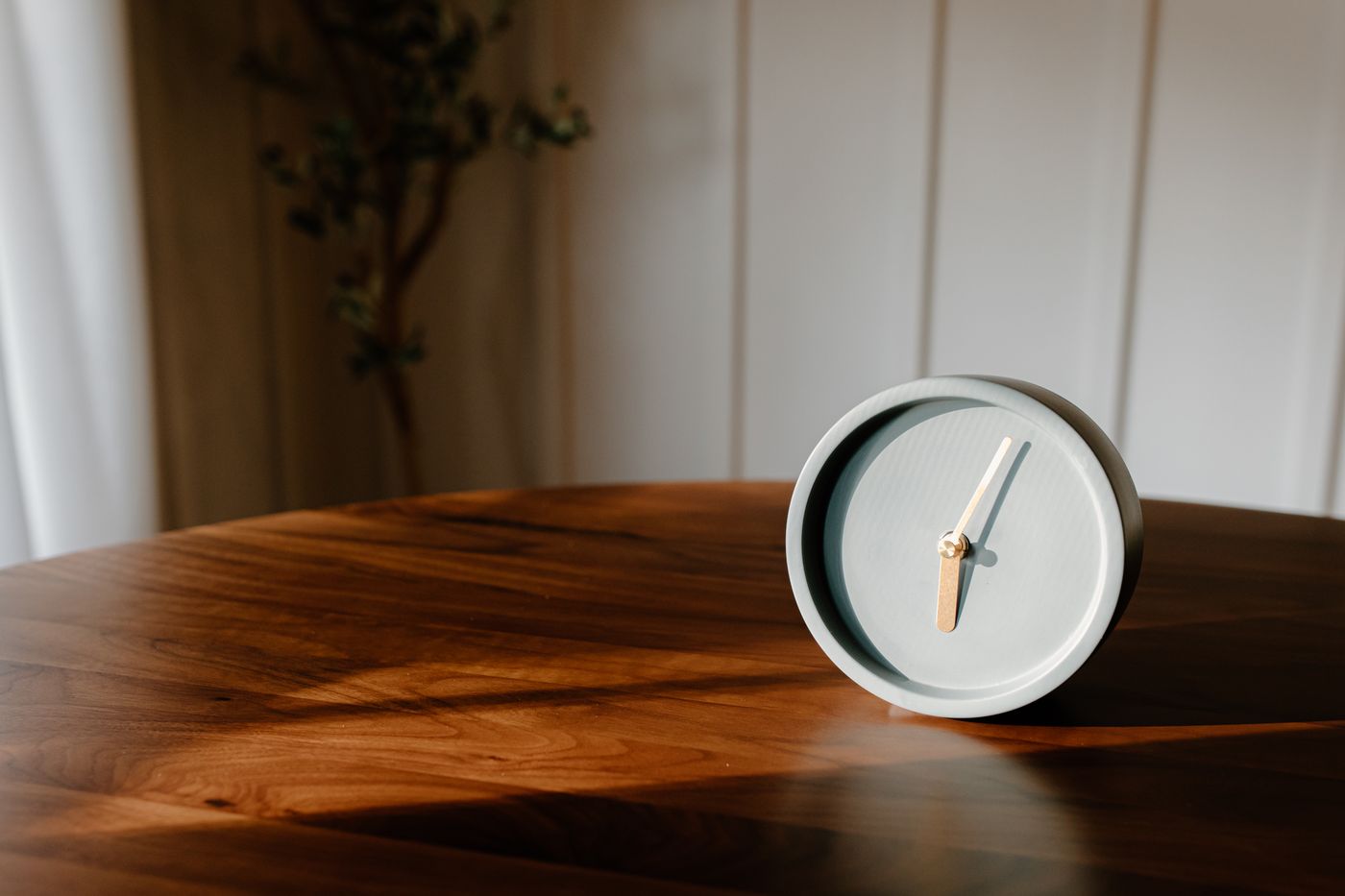
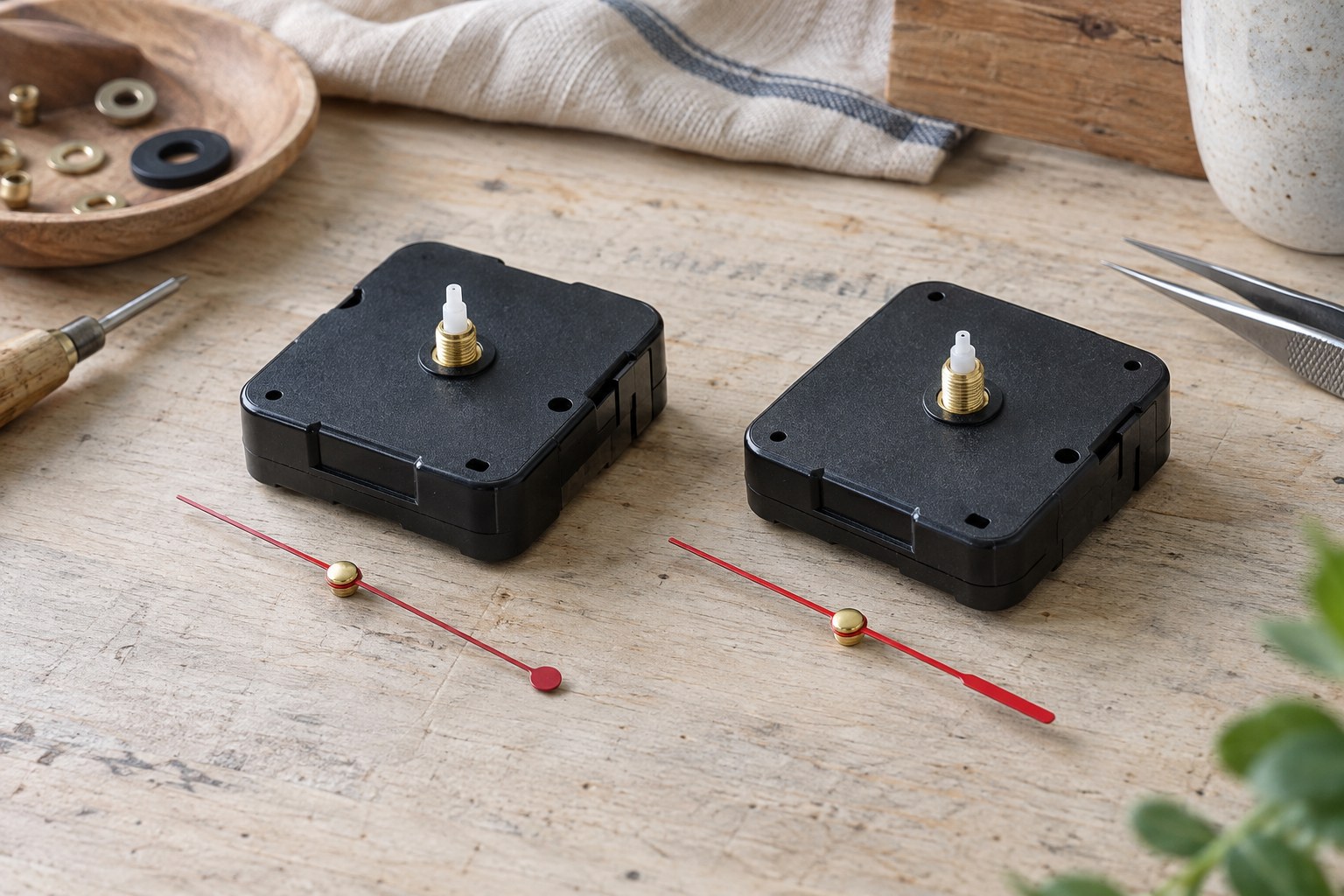
A simple dial can read as a familiar object without demanding attention during a call. Check whether a swinging pendulum, flashing display or strong reflection becomes distracting in the preview. Also listen with your usual microphone: a nearby ticking clock may matter more to a recording than to someone sitting across the room. This is a practical room test, not a claim that any particular movement will be silent. Finally, preserve safe access for battery changes and use the specified mounting. A pleasing camera composition should not put the clock in an awkward or insecure position.